
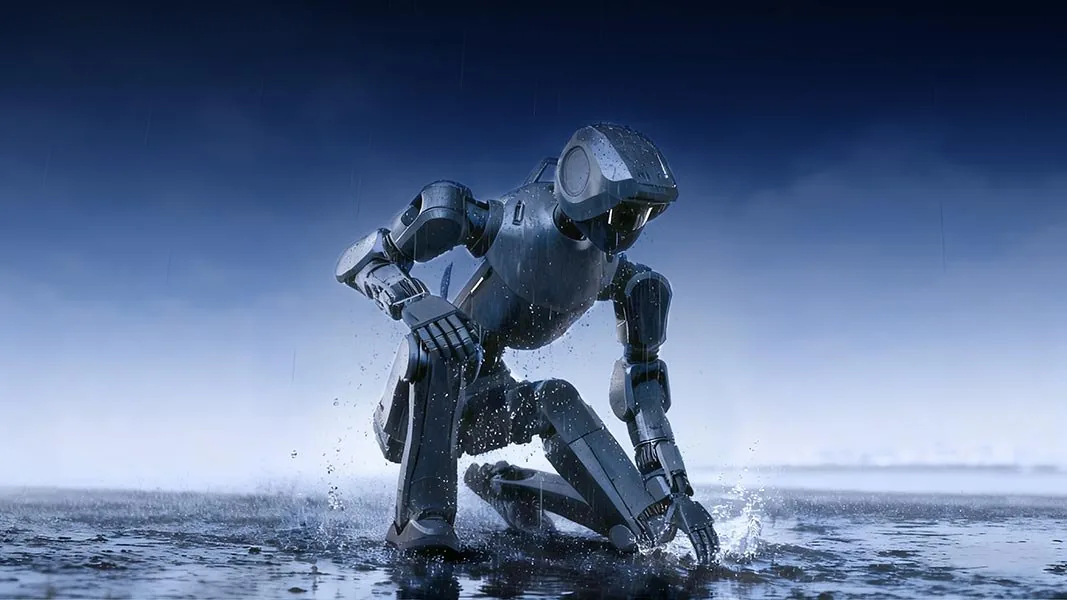
A humanoid robot that arrives in your warehouse for the first time should not be gripping a container or pulling a cart for the very first time. That is why we try out sequences in simulation first – and only after that on the real unit.
What is tested in simulation
Besides grasping movements, we also check motion sequences under load in Isaac Sim – for example pulling or pushing a transport cart over a step or a gap. Situations like these come up all the time in warehouses and production halls, and in simulation they can be played through safely in many variations.
What counts is not only whether the robot manages it, but how: does it tip over at the edge? Does it simply stop? How much force does it actually apply? These are exactly the limits we want to know before a customer finds them.
Every simulation that marks a movement as unsafe is a problem that does not occur at your site.
Our process
- 1SimulationGrasping, pulling and pushing in many variations – container sizes, loads, starting positions.
- 2EvaluationAnything that tips, gets stuck or slips is marked as unsafe and discarded.
- 3Real unitOnly what runs stably in simulation is tested on the real robot.
- 4Deployment at your siteInstruction, maintenance and support from our technicians.
Why this matters to you as operator
Our aim is that the robot does not start from zero at your site. What it has to be able to do is tried out in simulation beforehand, checked on the real unit – and supported further at your site.
Important to know
Everything described here takes place in NVIDIA Isaac Sim, not on the real unit. The DR02 has not yet been delivered and is not in operation at any customer. We state load limits only once they have been confirmed on the real unit.